

Print once. Change the destination as often as you like.
The QR code stays the same on menus, brochures and labels. You change the link behind it from Li-Nk, and every scan goes into your statistics.
The code stays the same; you change the link behind it from Li-Nk.
li-nk.ro/menu-qr
li-nk.ro/menu-qr · 3,417 scans
Code destination
Active · 3,417 scansScans · 30 days
1,967
Peak hour
13–14
Devices
94% mobile
Illustrative example.
Where it is used:
- Menus
- Brochures and flyers
- Product labels
- Posters
- Business cards
- Invoices (BusinessOS)
A static code is a tattoo. Ours is a label.
A static code contains the address itself: if the page changes, you reprint everything. A dynamic code contains only the short link, and you change the destination from Li-Nk at any time, without touching the printed material.
- Change the destination in a few seconds
- The same code for the whole season
- Separate statistics for each code
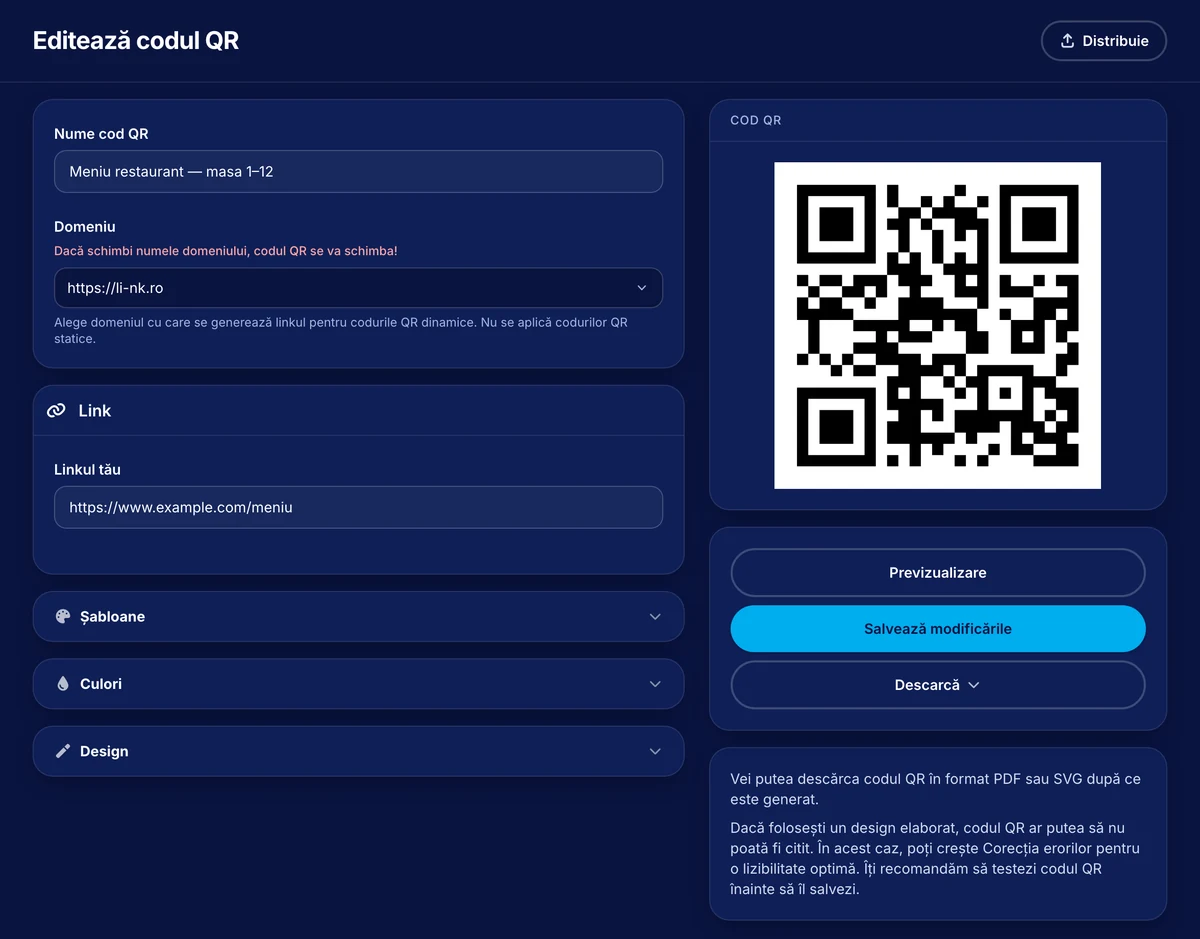
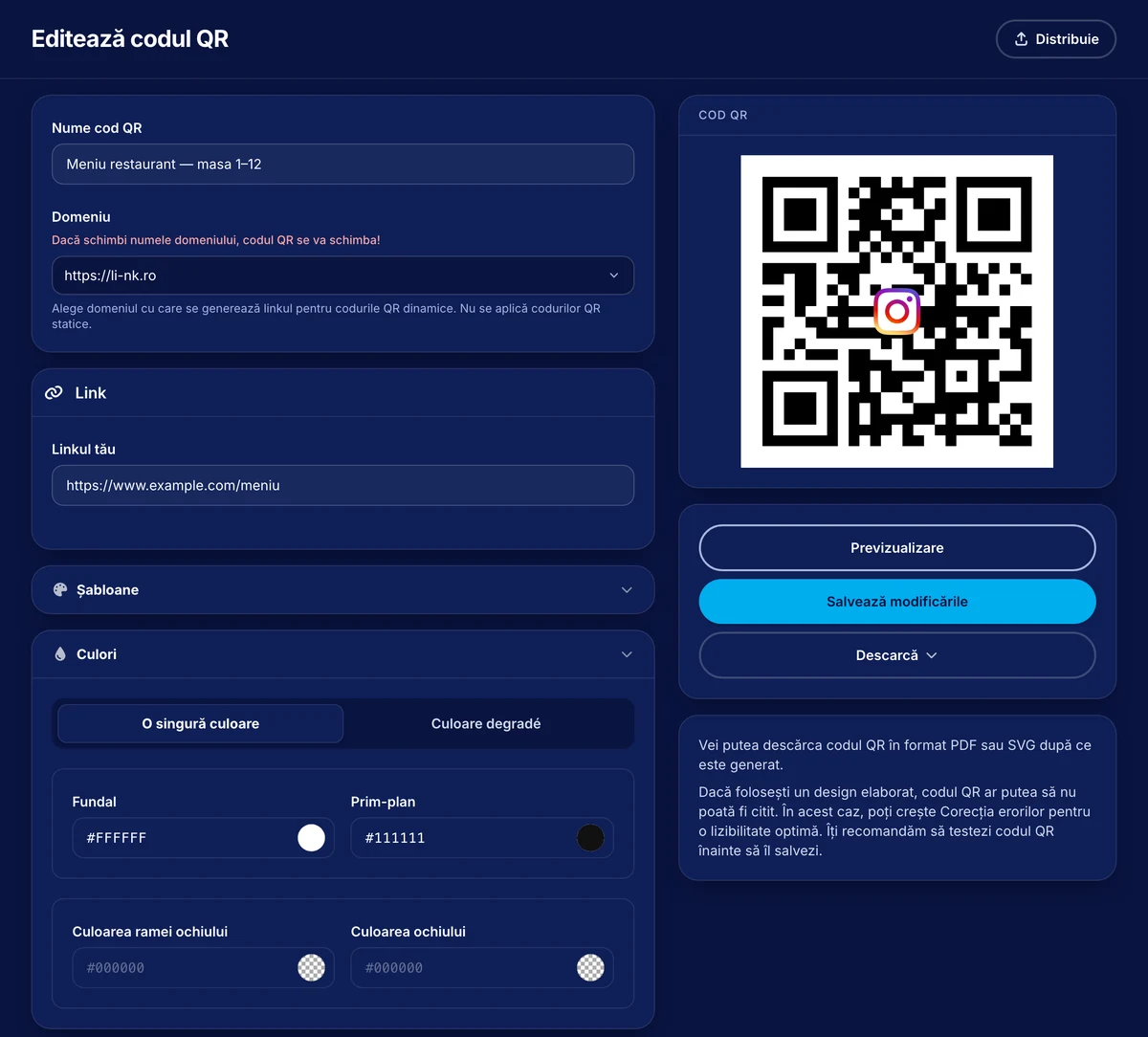
The code looks like yours
Logo in the center, brand colors, rounded corners and a frame with text (“Scan for menu”). Export to SVG and PDF at print-shop resolution, PNG for screens.
- SVG, PDF, PNG at any size
- Automatic legibility check
- Frame templates in Romanian
Your next printed material, with a code you control
QR codes are included in all plans.
Request access